Dear All,
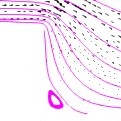
When I try to zoom on the image it turns out to be really blurry. I only need small part of my image to publish. Do you have any recommendations?
It turns like the one I attached.
Take higher resolution screenshots ?
Even when I do it , it does not give good shot.
You will have to share more info about what you are doing if you want more help 
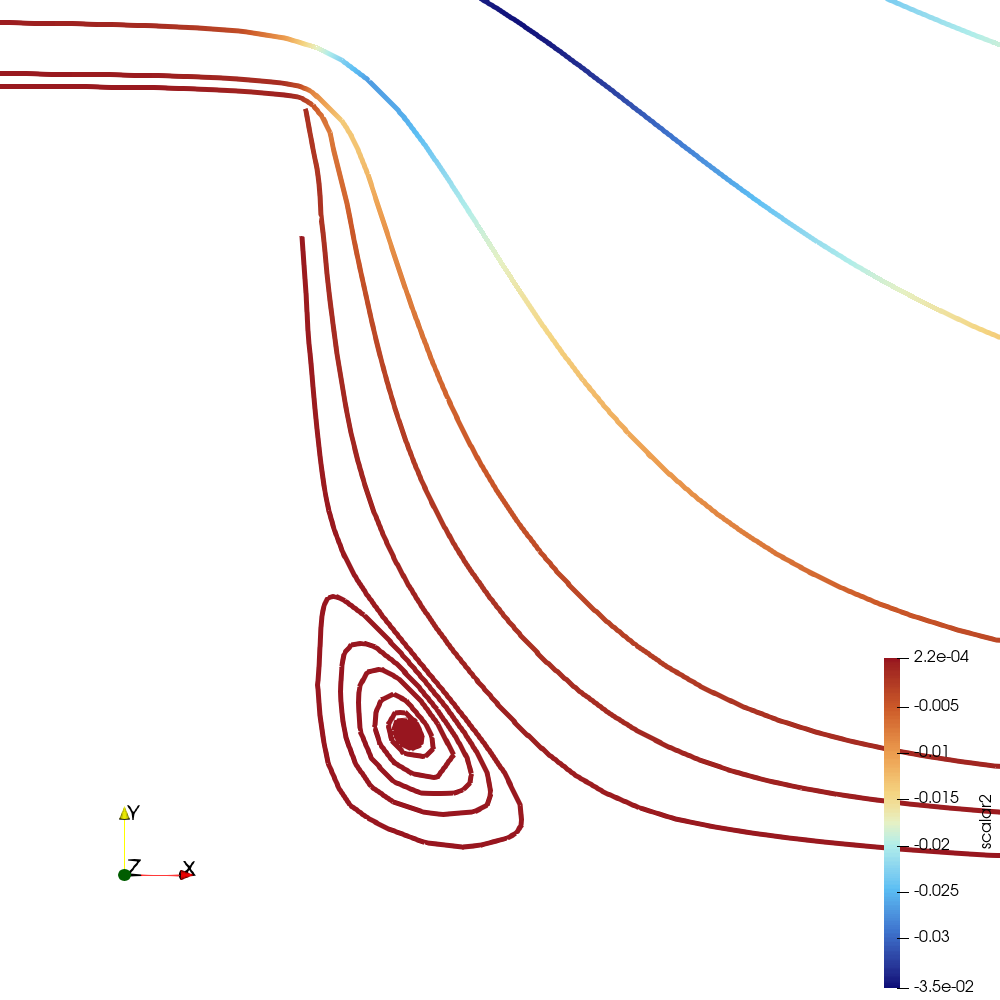
Hi, I am trying to plot streamlines and vector fieldsof the velocity of the attached file. But I have to show only around the lower pipe. Whenever I tied even selecting higher resolutions while saving it did not give good result.
decoupled_mhDFLOWOVERSTEPre100ha10streamlines.vtu (328.9 KB)
Could you explain a little further please?
There has to be a miscommunication here, because zooming the view in ParaView is trivial.
 Save Screenshot… and write out an image file at whatever resolution you want to publish.
Alternately, you can click the Zoom to Box  feature to select the region on the screen you want to zoom in to.
As long as you zoom in with ParaView before you write out the image, as opposed to zoom in the image after you write it out with ParaView, it won’t be blurry.
Is there any way that I choose a region and then plot it? Because when I do the above the resolution is not good enough.