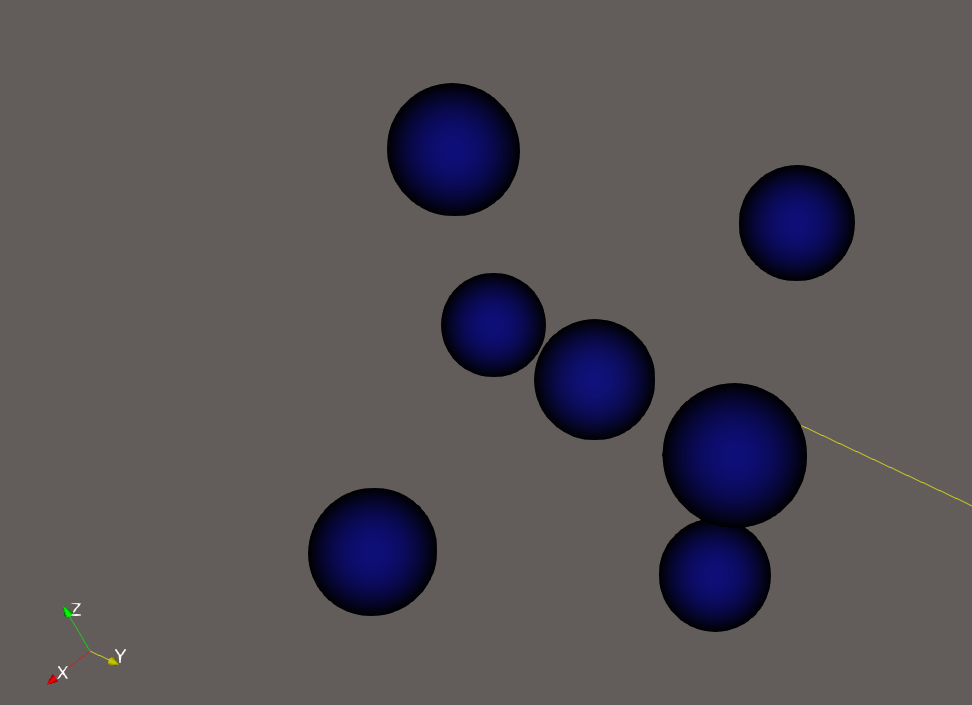
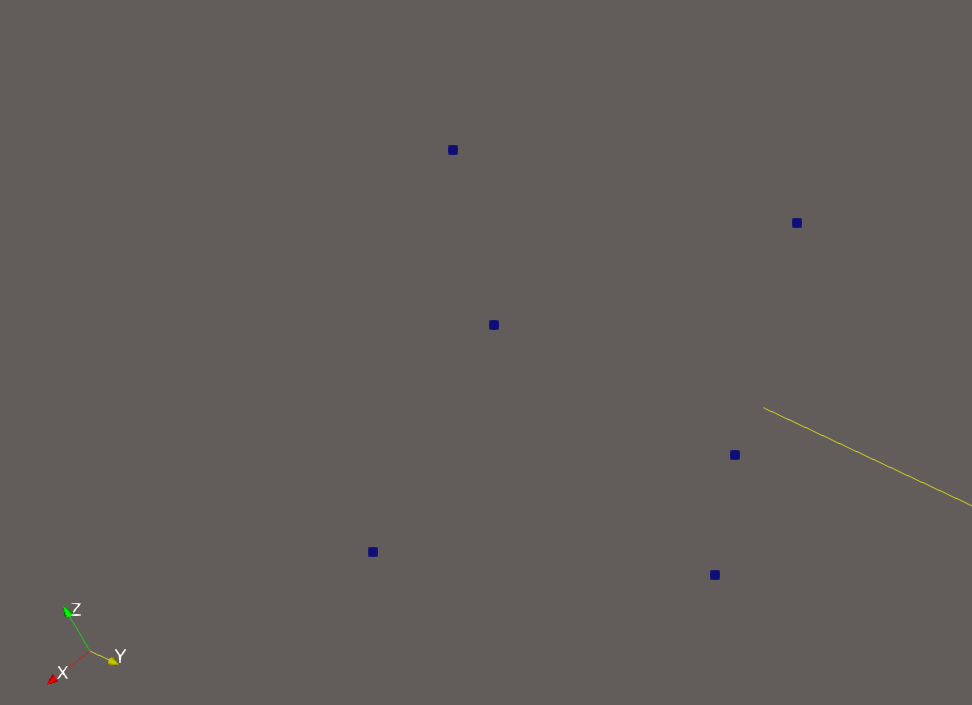
I’m visualising an scalar field clipped by scalar. It is stored as a unstructured grid, but it is technically a rectangular grid. When keeping everything the same and just switching between points and point gaussian representations some points do not appear. always the centre of these isolated “crosses” (see pics)
In that one see for example
Clip1
Id: 4483
Coords: (-0.0023582, 0.0444514, 0.00207574)
level_set: 0.000203656
unit_normal: (0.455418, -0.447448, -0.769665)
velocity: 0.0305517
velocity_overhang: 0.0305517
velocity_curv: 0
What is happening is that the Points representation is fairly limited and show points on the surface only, while the point gaussian representation should all points, whether on the surface or not.
I can move the following to a new topic, but as it is on the same data, thought would be easier to quicky ask:
The other thing I noticed is that for both points and gaussian point, when I change the threshold value of the clip, let’s say to 1e-6, the value displayed is different, eg:
Clip1
Id: 33791
Coords: (-0.0023582, 0.044474, 0.00207574)
level_set: 0.00020381
unit_normal: (-0.497853, -0.867204, 0.00662276)
velocity: 1e-06
velocity_overhang: 1e-06
velocity_curv: 0
They are being showed in the clip, so I assume that the value has to be at least over 1e-6, but why would the hover on point dialogue show different values? Is there a way to print the full precision valu for the fields at that point?