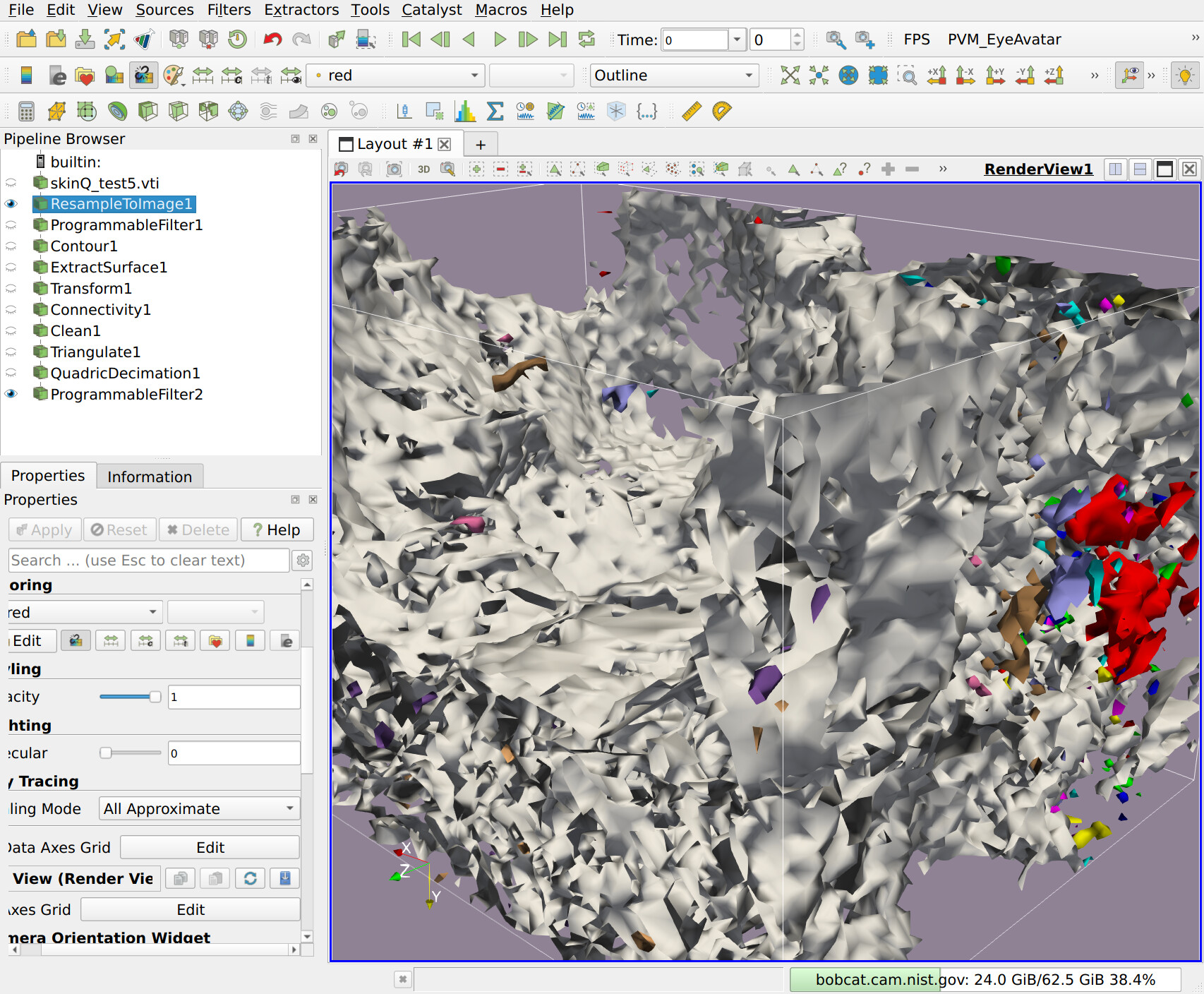
Hello everyone, I have some rather noisy medical data (from a 3D Microscope), and I’ve been exploring it with ParaView, and I’d like to export some data into another application that I have that is able to render OBJ files (well aware of the shortcomings of using OBJ). I have a pipeline state that works, but I’d like to reduce the noise – the polygons are all jagged, and for this I really want to get something that gives an overall gist of the data, and then my other tool can be used to look at the details.
While Googling and “chatting” I got some suggestions that maybe some ITK filters would be a good option, so first I wonder, since ITK is more medical oriented, perhaps that is a direction I should be looking, and second, is there a way to access ITK filters from inside ParaView (perhaps using a “Programmable Filter”)?
My current pipeline is basically: 3D-Microscope data.vti
ResampleToImage
Programable Filter (using vtkImageAnisotropicDiffusion3D)
Contour
ExtractSurface
Connectivity
Clean
Triangulate
QuadraticDecimation
ProgrammableFilter (using vtkWindowdSincPolyDataFilter)
Then → Save Data as OBJ
(which I’d like for each region to have it’s own material, but the OBJ writer doesn’t seem to do that, perhaps because it’s a very old format.)
Okay, Thanks Mathieu. I guess, since to some degree I’d like to get to the point where I can just write a script that processes the data and outputs a model, so maybe I should just look at ITK? I use ParaView because I’m most familiar with it, but if ITK has better tools for medical data, maybe I should consider it.
Regarding OBJ vs. glTF: sure, I could use glTF. My big desire is to better process the data into something that gives an overall impression of the data – and then the user can interrogate further through interaction. So I can work with glTF – it just so happens that I have an OBJ reader in my tool already, but I can work around that.
Well, I guess I may have over emphasized the last stage of what I need. My main desire is a way to import 3D medical data (in this case a 3D Microscope scan), and filter it to where it does a better job of showing some of the 3D structures in the data. I can iso-surface it now with the Contour filter, but it’s very very noisey, and with the pipeline above, I tried to tame that down a bit, but not yet to what I am hoping for.
I suggest starting by installing ITK into a Python virtual environment with pip install itk and then write some scripts to process the data without ParaView at first. Maybe that will get you what you need.
If not, then you might be able to use ParaView’s --venv option to point to your virtual environment with ITK installed and then you would have access to it in a Programmable Filter and other places – if it all works. Since ITK brings with it compiled libraries, it wouldn’t surprise me if you run into some incompatibility that might make it so that you can at least load the ITK python module. Then, if that all works, you’ll have to bridge the gap between the VTK data objects and ITK data objects. It has been a long time since I’ve done this, but maybe you could use their respective NumPy interfaces to do easy data exchange.
Mathieu, I’m attaching a screen shot of the data, and you can see how rough it is. I’m coloring it by RegionID to try to highlight some of the little “floating” blobs. But again, I’m actually less concerned about the exporting than I am the filtering to smooth things out.
Cory, okay, thanks. I suppose I should thus go to the ITK Discourse to find out what filters would be the good ones! I thought maybe there’d be enough cross-over that I could get all my answers from a one-stop shop!
Personally it’s been a long time since I’ve used ITK, and we don’t get many image processing/analysis questions on the ParaView forum. A ParaView-adjacent application, tomviz, is more focused on 3D image data, and has concepts similar to ParaView in terms of loading data, applying operators, and so on.
You might also want to try Slicer to do image processing/analysis with ITK but without programming. It’s similar to ParaView in that it is an end-user application, but it is much more tailored to image data specifically.
@cory.quammen would it be possible to at some point on the small video tutorials that kitware does and publish online, to teaking with ITK inside paraview? I would love to continue working in paraview isntead of swiching to slicer or tomviz, as i have a quite developed workflow inside of it. but right now i really need to use ITK tools, would be great to see some expert giving some dummy examples, as:
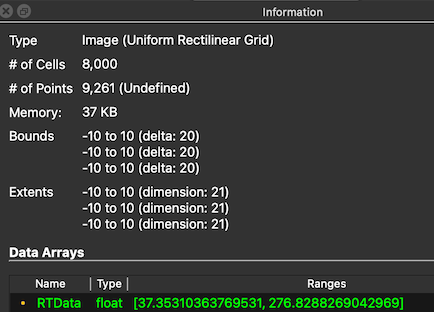
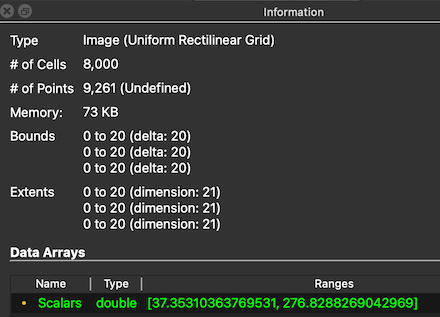
It’s maybe not the most useful example, but it demonstrates that ITK can be used within ParaView’s Python environment using virtual environments and a pip-installed ITK.