Hello,
in other softwares one can have two different colors of a surface mesh to distinguish the ‘external’ and ‘internal’ faces (i know that there is a single layer of faces in reality) but this can be quite pratcial for meshes with holes to be able to ‘find the holes’ easily.
is there any way to achieve this kind of behavior in paraview?
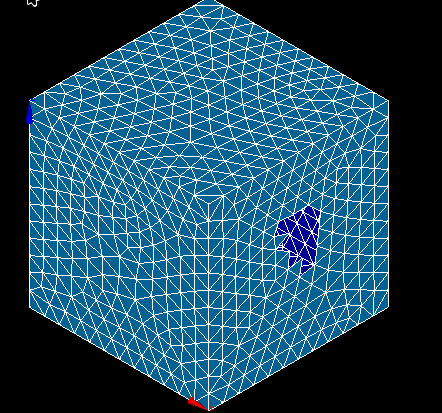
here is an example from salome (the light blue is the outside while the dark blue is the inside)
with this kind of visualization it is way easier to spot the hole, where if the two colors would be the same it would be much difficult to do so. Obviously the difference is due to the normal of the faces, that paraview can calculate but from there i am out of ideas how to achieve this kind of visualization
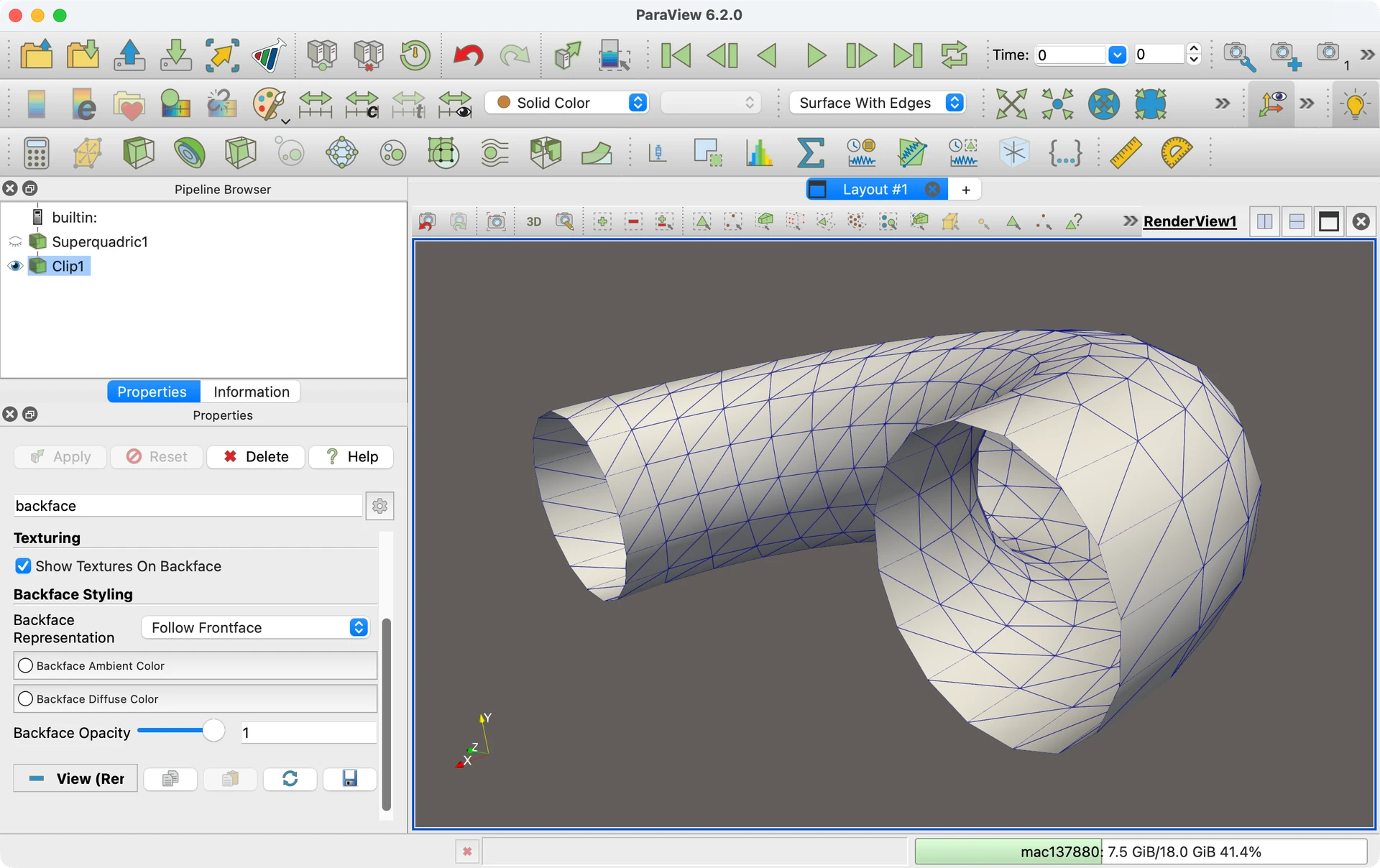
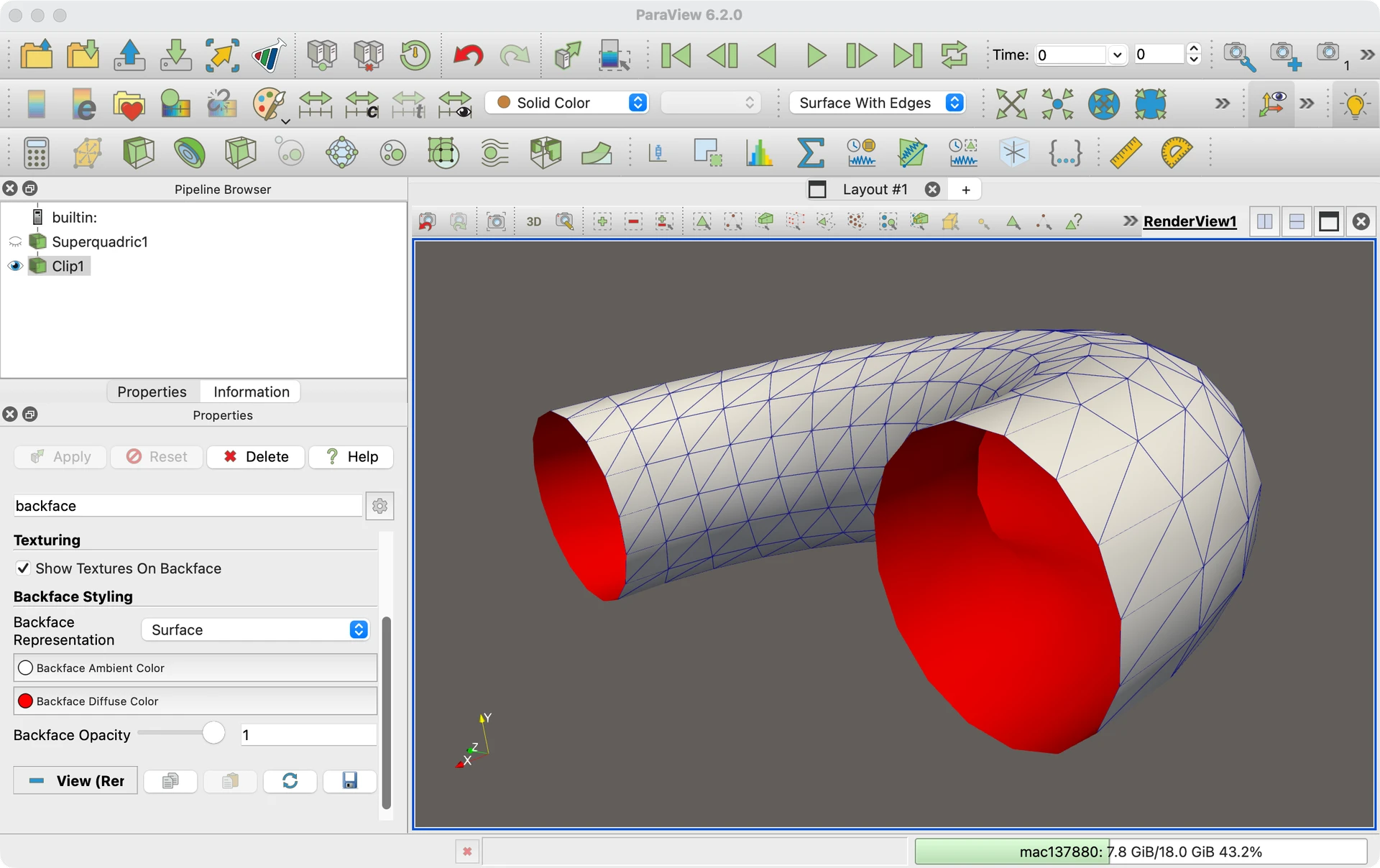
ParaView has a group of display options labeled Backface Styling where you can think of the “backface” as the “internal” side of a polygon. By default, the backface representation follows the frontface so they look the same.
You can change the representation of the backface (or remove backfacing polygons entirely). Once you do so, you can also change the color of the backward facing polygons.
thanks a lot kenneth! awsome after years of paraview one keeps discovering things under their nose… thanks a lot!
ps. the link you posted says ’ Oops! That page doesn’t exist or is private.’ when clicking