What is your question @Jumpy_Cow ?
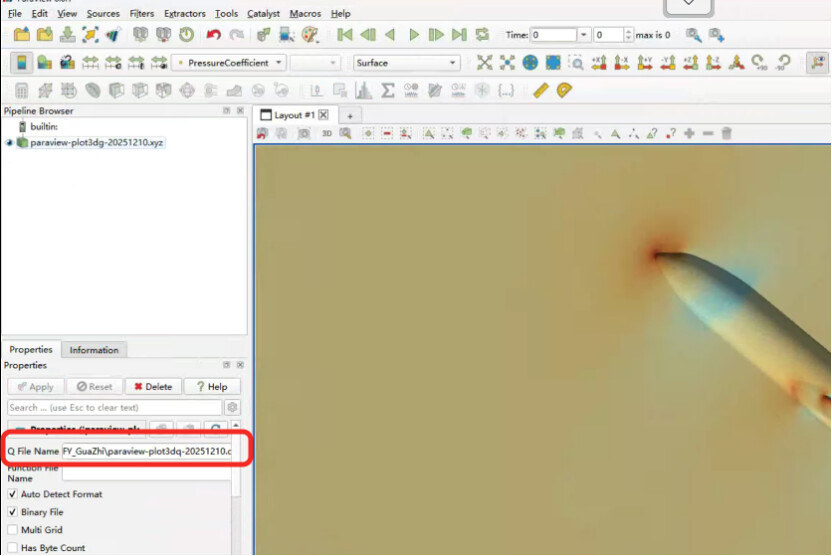
thanks. I intended to answer someone’s question that how to load the .q file while .xyz for plot3d format is loaded (Plot3d format).
However, given the oppotunity. I do face another problem that, How can I extract the pressure from the object surface, rather than the surface of entire domain? I have tried filter of extract surface but did not work perfectly.
Sorry about that, I will move your answer back, one sec.
Please share you data
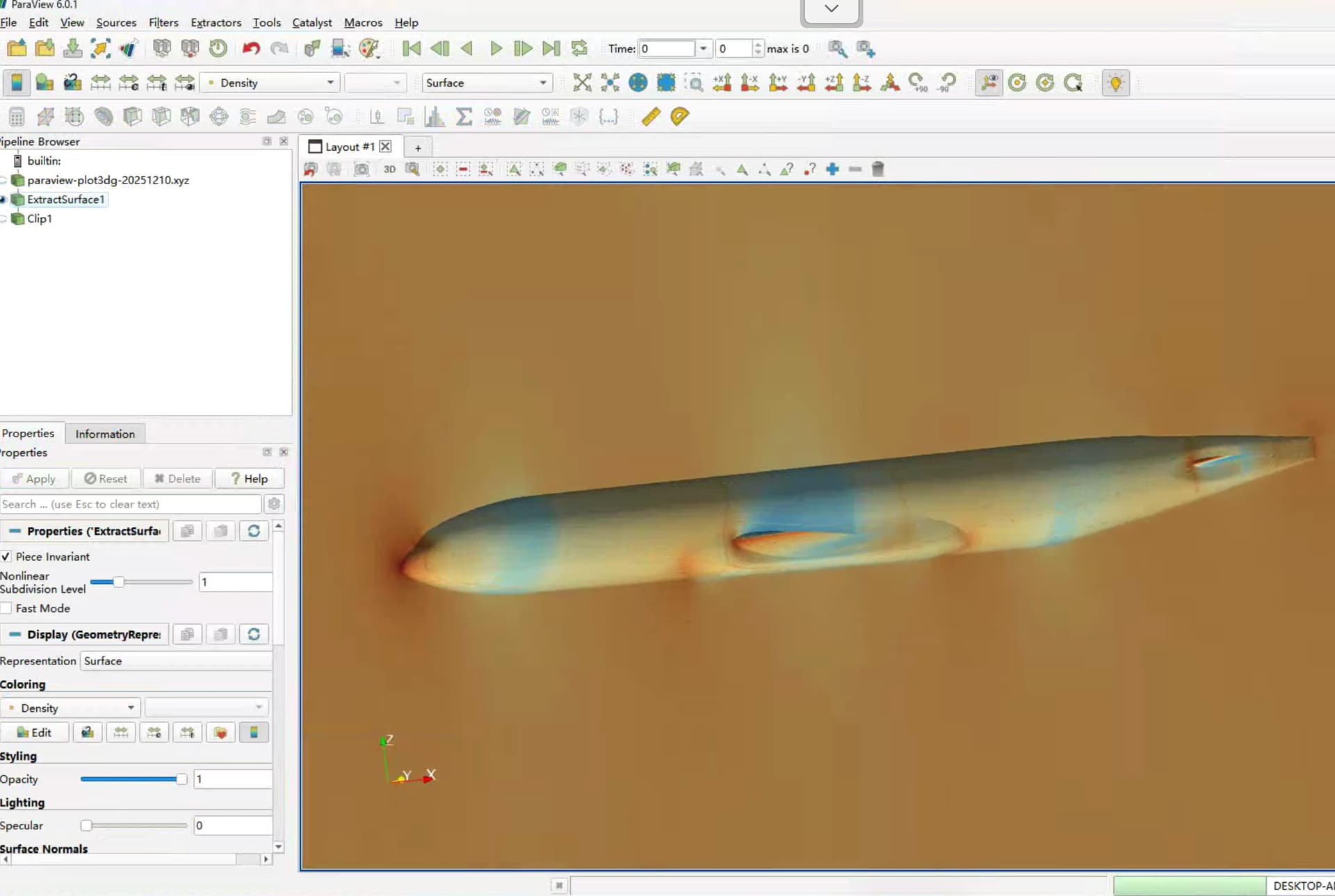
Sorry but Im not following, whats wrong with the result of extract surface ?
I intend to hide all other parts of surface, but show only the surface of the aircraft. It is now looking from the inside of the aircraft, but the outside is wrapped in other surfaces. I would need a convenient way to hide other surfaces.
Clip filter with a Box function should work 
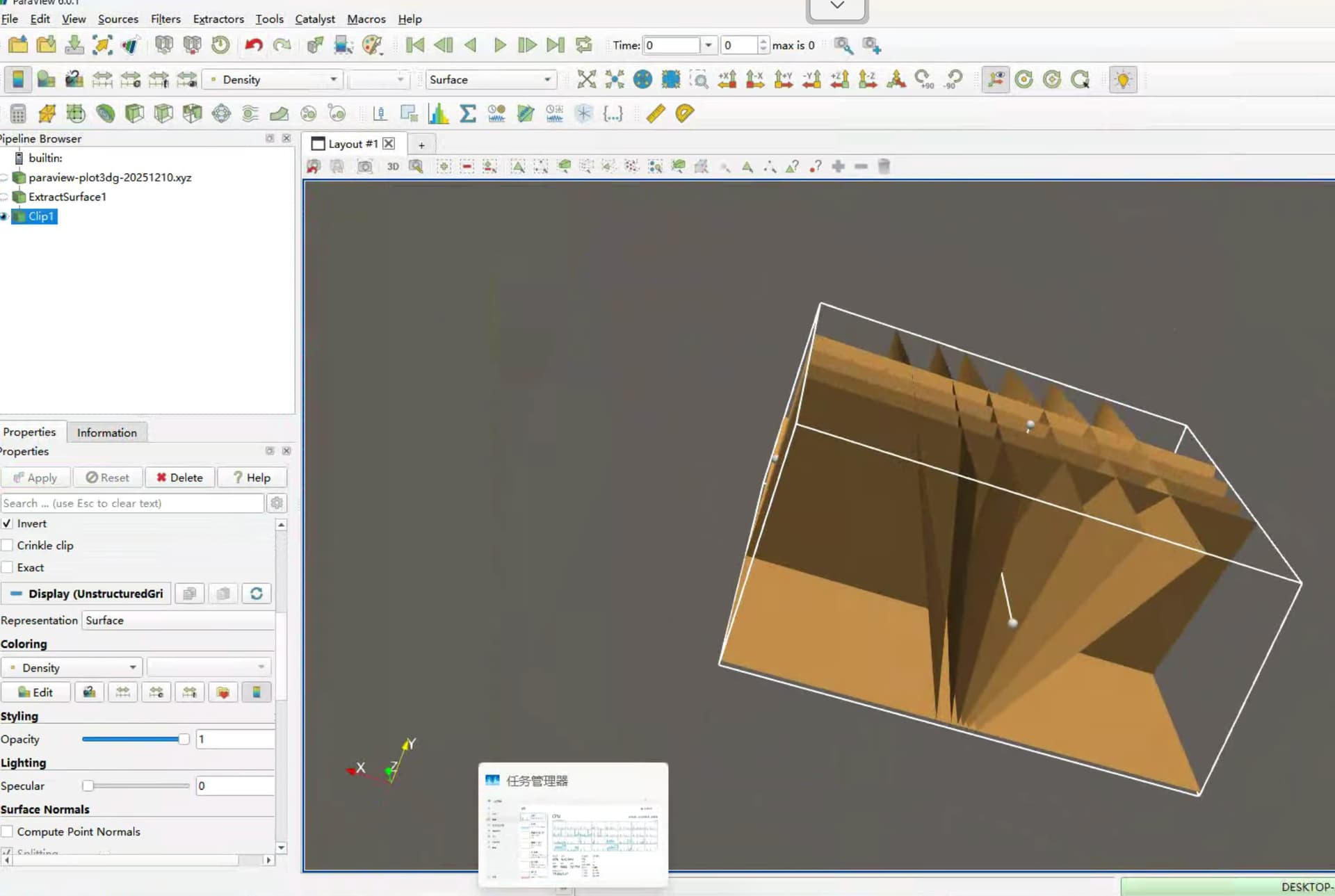
Im afraid I have no idea what Im seeing here, please share your data.
Thank you!
Please check the two links for the data. You may need to load .xyz with plot3d loader and then load the .q file by a box in the properties as the image shown above.
I am not very sure how to visualise it properly that the multi-block interface block the vision. I have tried merge-blocks filter by did not seem to work.
transfer expired