Outline in charts

Hi,

I’ve failed at finding the appropriate setting for drawing the outline/bounding box of a PlotOverLine filter in the line chart view.

I know how to toggle the grid, which kind of serves my purpose, but I would prefer the outline draw in the same thickness as the axes (as in matplotlib default plotting style). I have found a workaround by adding some ghost lines (as in not actually drawn) in the top and right axes and then removing the axis labels, but there should be a more direct way, IMO.

Is there a toggle I’m missing or should this be a feature request?

Thanks in advance,

Guillermo

I fail to see what this would look like, could you share an illustration ?

Hi,

I want exactly the opposite of what this user was trying to accomplish with matplotlib, i.e., matplotlib default bounding box style.

Hope that clears it up!

Like that ?

Its a bit hacky though, in short:

  • Show another variable you dont need at all
  • Set “Chart Axes” to “TopRight”
  • Set opacity to zero
  • Check TopAxisCustomLabels
  • Check RightAxisCustomLabels

Sadly the variables appears in the legend, I did not find a way to hide it.

What you are asking for should be very easy to add to ParaView properly though.

Yeah, exactly like that. That’s kind of the workaround (yours is a bit more direct, though, so thanks!) I was trying to describe, but yeah, it feels hackish. I think a proper toggle to achieve that could be a nice addition.
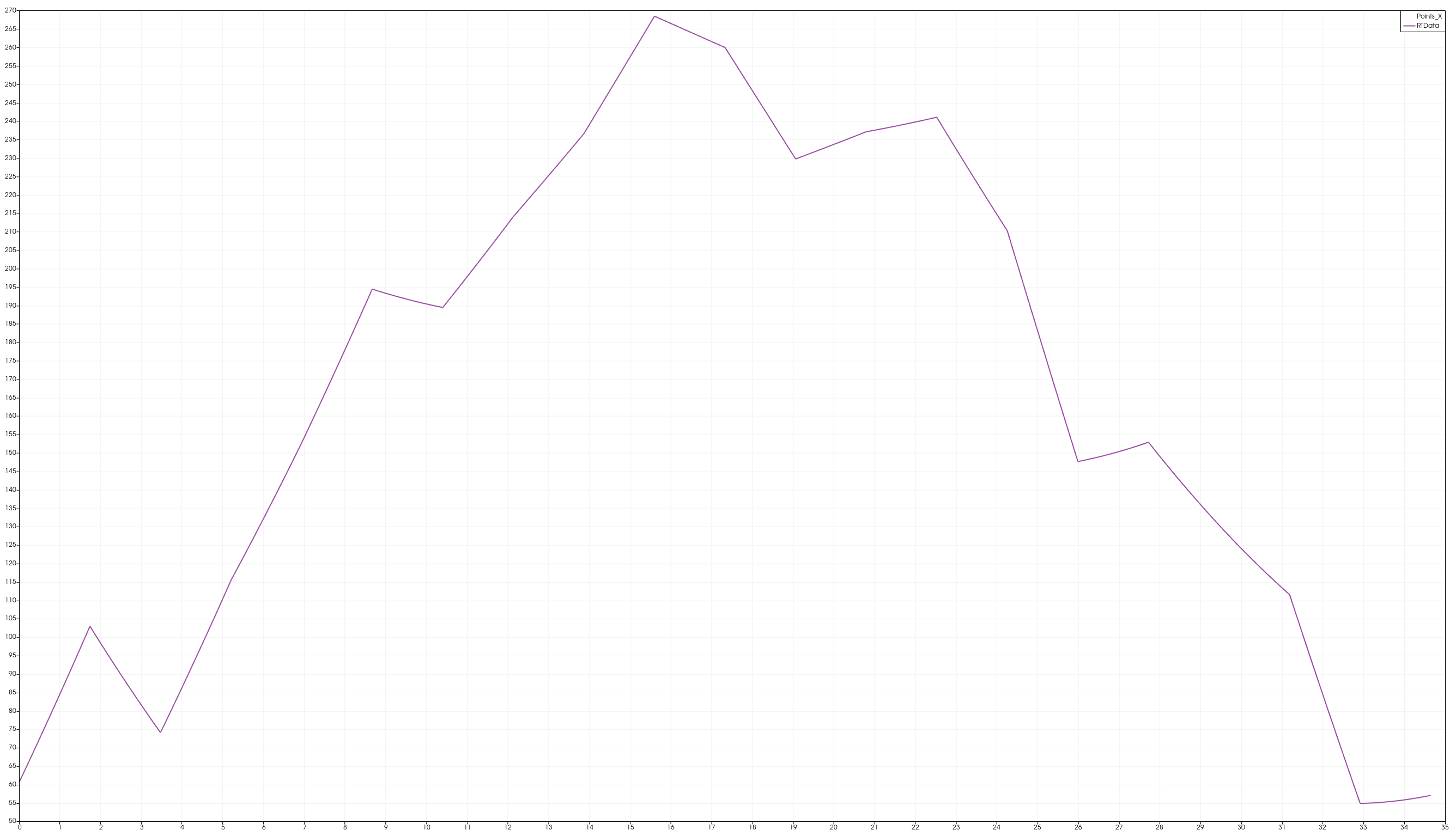
Should I submit a feature request somewhere else?

Thanks!

BTW, for future reference and completeness of the workaround, you can hide the variable in the legend by using an empty label.

Nice find !