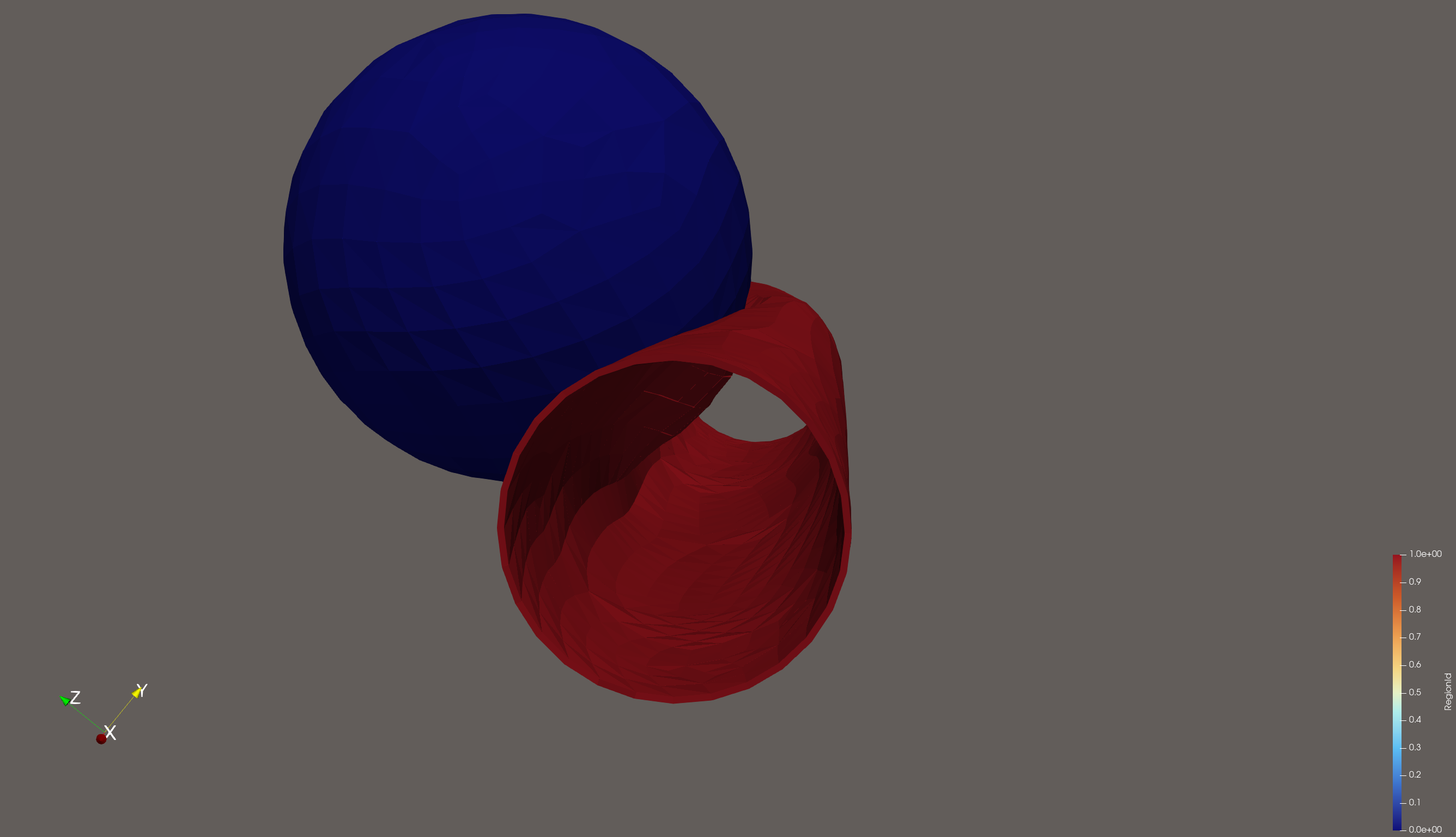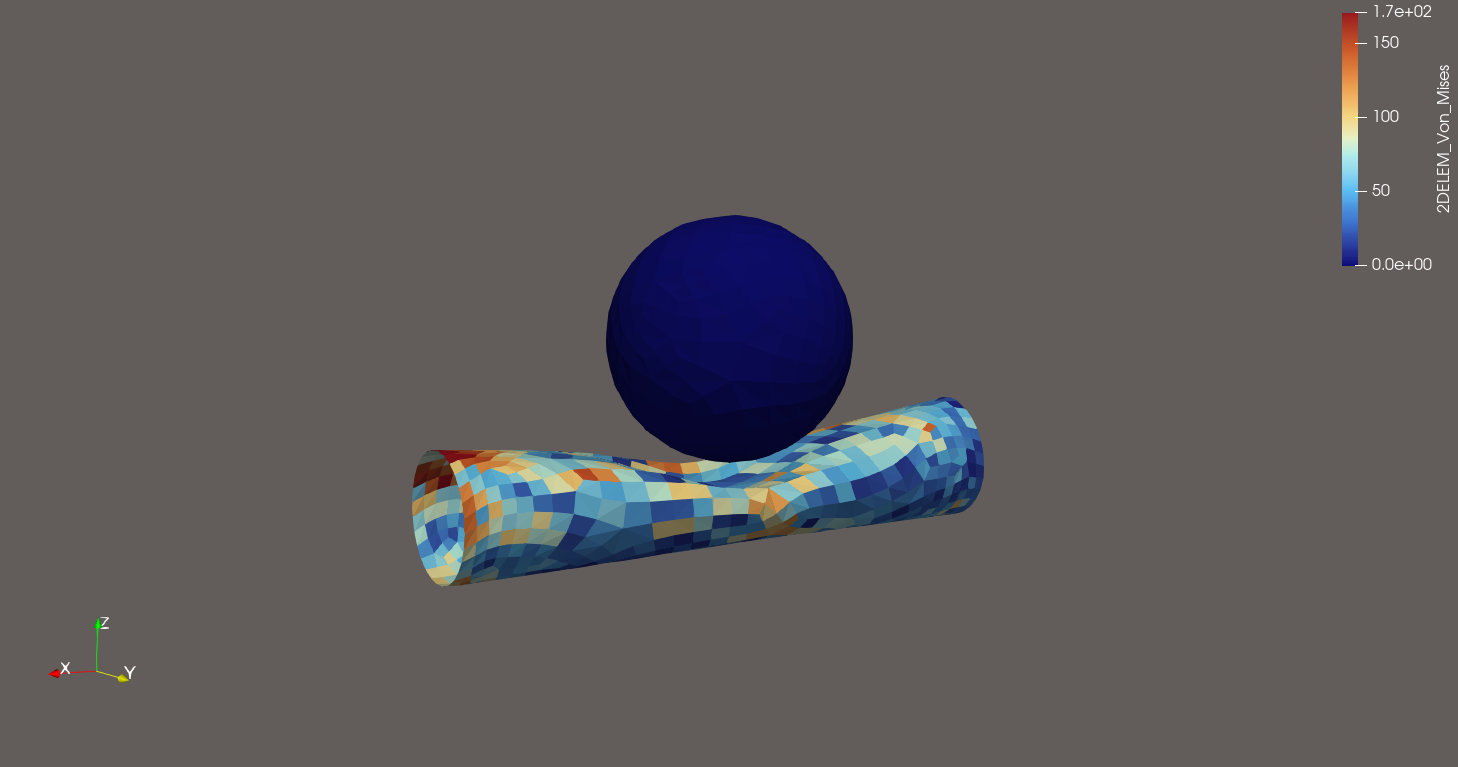
I am interested in visualising the thickness of 2D shell elements. I have a toy problem of a collision between a cantilever supported tube, and a rigid sphere. I would like to add some thickness to the shell elements that make up the tube to better represent the physical object it is supposed to represent.
I have attempted to use the ProgrammableFilter script in this thread, but I get some Python errors, and I don’t even know where to begin with debugging and developing within ParaView.
Is there another way to add some thickness to these elements? Barring that, what is the best way to go about developing these scripts? Due to some unavoidable factors, the ParaView UI is a bit buggy and I can’t interact with the Output Messages window.
I have attached my state and geometry here:
tubeimpact.zip (4.6 MB)
Tube Sphere Impact.pvsm (443.2 KB)